
Business Process Automation Services, Starting With One Process
We map one process your team runs by hand, agree in writing what the automation should save, and build it on the tools you already use, with n8n, Make, Zapier or custom code. The automation plan and fixed quote arrive within two working days of mapping the process with you.
Fixed price, agreed in writing before any work starts.
- The same data typed twice
- Quotes and reports built from scratch
- Automations nobody owns
Where does your team's week actually go?
In most businesses, a few repeated jobs take more of the week than anyone has measured. They rarely look like a problem, because each one only takes ten minutes. Three patterns cover most of them.
The same data typed twice
A form fills a spreadsheet, the spreadsheet feeds the CRM, and the CRM feeds an email. Every copy is a chance for a typo or a lost lead.
Quotes and reports built from scratch
Someone opens last month's file, changes the numbers and hopes nothing was missed. It works until the one week it does not.
Automations nobody owns
A Zap set up years ago by someone who has since left. It fails quietly, and nobody notices until a customer does.
Processes worth automating first
The best first process is one that runs often, follows the same steps each time and costs something real when it goes wrong. These six are the usual candidates.
- 1
CRM updates
New enquiries, deal stages and contact details kept in step across your site, inbox and CRM, so nobody re-keys a lead.
- 2
Quoting
Quotes drafted from your price list and the details in the enquiry, then held for a person to check and send.
- 3
Reporting
Sales, marketing and operations figures pulled from their sources on a schedule and sent as a short summary.
- 4
Data entry
Orders, timesheets and form submissions moved into the accounts package or database without retyping.
- 5
Inbox triage
Incoming email sorted, tagged and routed to the right person, with routine replies drafted for someone to approve.
- 6
Document handling
Invoices, applications and contracts read, key fields extracted and filed, with anything unclear sent to a person.
The tools we build automations with
We build on the tools you already pay for where we can, and add a workflow platform or custom code only where the job needs it. As a workflow automation agency, we pick the tool after mapping the process, not before.
n8n
Source-available and able to run on your own server, which suits workflows that handle sensitive data or run at high volume.
Make and Zapier
Hosted platforms with large app libraries. Quick to set up and easy for your team to read, as long as the volume stays sensible.
Custom code
Python or JavaScript, with webhooks and queues, where a platform would be fragile, slow or too expensive at your volume.
Models from OpenAI, Anthropic and Google for reading, sorting and drafting, used only where a plain rule cannot cope.
Connected through their supported APIs: HubSpot, Salesforce, Pipedrive, Zendesk, Xero, QuickBooks, Google Workspace, Microsoft 365, Shopify, WooCommerce and WordPress.
Start with an automation plan for one process
Every project starts by mapping one process and agreeing in writing what done should save. Our process automation services only quote the build after that.
- 1
Map the process
We walk through the job with the people who do it: every step, hand-off, tool and exception. You keep the map whether or not you go further.
- 2
Agree what done saves
Before any build, we agree the measure, such as hours a week, errors avoided or response time. The finished automation is checked against that number.
- 3
Plan and fixed quote
A written automation plan and a fixed quote within two working days of the mapping. The quote is agreed in writing before work starts.
- 4
Build and test beside the old way
The automation runs alongside the manual process on real cases until it matches or beats it. Nothing switches over on trust.
- 5
Hand over
Documentation, access and a runbook, so the automation is yours. Then the next process, if the first one earned it.

Security, data handling and maintenance
Each automation gets only the access its job needs, every run is logged, and someone is responsible for it after launch.
- A separate login for each connection, with the minimum access the task needs, never a shared admin key
- A log of every run, so you can see what the automation did and when
- Personal data sent to an AI model only when the task needs it and the provider's terms allow it
- For UK and EU clients, the data flow documented so it can go into your processing records
- A person approves any step where a mistake would cost money or trust
- A way to switch the automation off in one step and fall back to the manual process
- Optional maintenance: we monitor the automation, fix it when a connected tool changes, and add the next process when you are ready
When process automation is the wrong answer
Automation is the wrong answer when the process itself is not settled yet. We would rather say so at the mapping stage.
- The process changes every week and nobody owns it. Automating it now only makes the mess faster
- You want the system to make decisions with no human review at all
- You want a one-off script with nobody looking after it afterwards
- A key tool has no API. We will tell you at the mapping stage rather than build something fragile on top of it
- The real problem is sales or product. Automation cannot fix demand it cannot see
Frequently asked questions
The questions we get asked most before a project starts. Can't find what you're looking for?
Ask us directlyBusiness process automation is software that runs a repeated business task on its own: moving data between systems, raising documents, sending updates and triggering the next step. A person stays in charge of anything consequential. We build it on workflow platforms such as n8n, Make and Zapier, or in custom code, depending on the job.
Any process that runs often, follows the same steps and uses tools with an API. Common first choices are CRM updates, quoting, reporting, data entry, inbox triage and document handling. Processes that rely on judgement can still be automated in part, with an AI step drafting and a person approving. For AI-heavy work, see our AI automation agency page.
We quote after mapping the process, not before, because the price depends on how many systems are involved and how many exceptions the process has. You get a fixed quote within two working days of the mapping, agreed in writing before work starts. We do not publish prices. Platform subscriptions and AI usage are billed by those providers.
It depends on volume, data and who will look after it. Zapier is the easiest to set up and has the largest app library, but its pricing climbs quickly as volume grows. Make gives more control over branching and data handling and usually costs less at volume, with a steeper learning curve. n8n is source-available and can be self-hosted, so data stays on your own server and long workflows stay cheap, but someone has to look after that server. The automation plan recommends one and says why.
Sometimes, yes. Software providers change their APIs, rename fields and retire features, and any automation that depends on them can fail. We reduce the risk by using supported APIs, logging every run and alerting on failures, so a problem shows up quickly instead of weeks later. Fixing those breaks is what maintenance is for.
Yes, if you want us to. Maintenance covers monitoring, fixes when a connected tool changes and small adjustments as your process changes. It is optional and quoted separately from the build. Either way, you receive documentation, access and a runbook, so your own team or another developer can take it over.
Gleb Andreev, our founder, leads the work. He has more than 15 years in web development and search. Invisio Solutions is based at 22 Saddler's Park, Eynsford, Dartford DA4 0HA, and works with UK and US businesses. Send us the process you want to automate through our contact page. We reply within one working day.
Related services
Real projects. Real results.
Three projects closest to business process automation. Each opens the full case study with timeline, scope and the tactics behind the result.
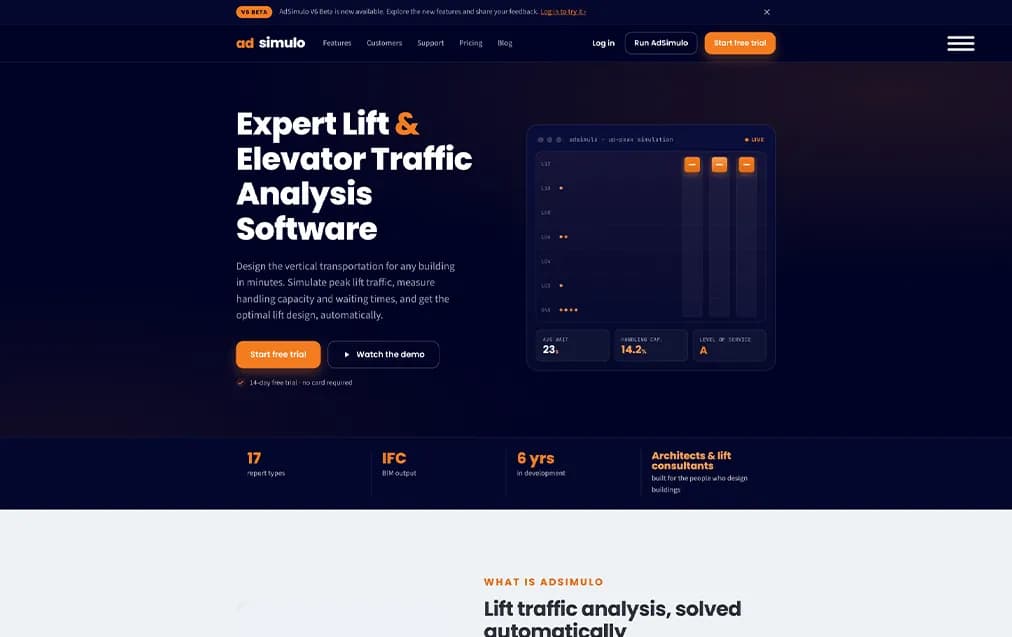
AdSimulo (UK)
Website Development + Digital Marketing & Social Media, Lead Generation, Client Conversion.
View case study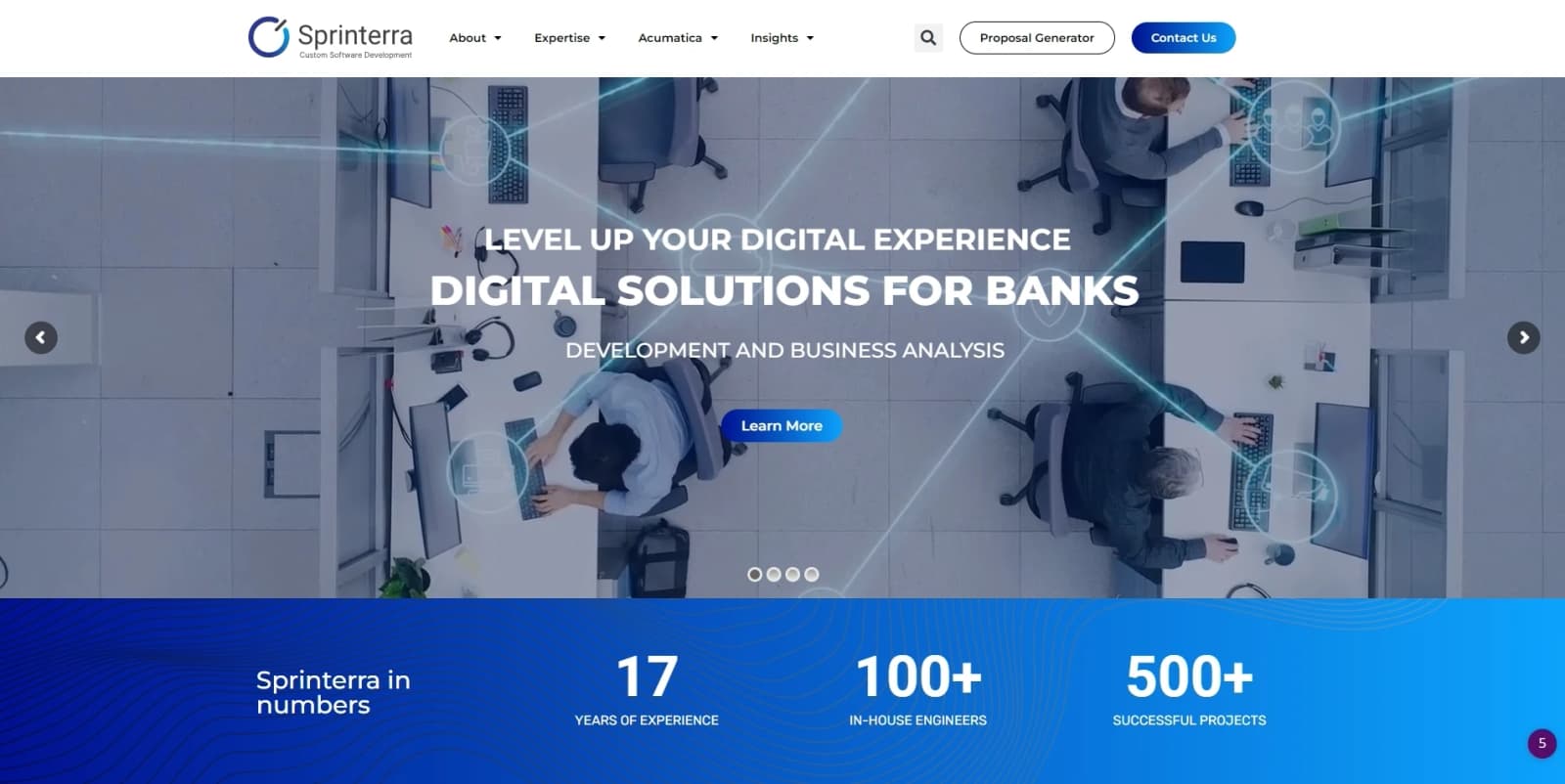
Sprinterra (USA)
A global software development and IT consulting company headquartered in New York, specializing in enterprise software solutions. Recognized among the top software development agencies by Clutch and a trusted Acumatica development partner, Sprinterra helps organizations accelerate digital transformation through custom-built technology.
View case study
Elevate Solutions (USA)
Elevate Real Estate Solutions is a PropTech company that provides all-in-one, cloud-based software solutions for real estate developers, property managers, and construction teams. Built on the Acumatica platform, their system enables businesses to manage the entire property lifecycle, from development and budgeting to leasing, tenant management, and financial reporting—within a single, integrated platform.
View case studyMore on business process automation
WordPress vs Webflow: Which Platform Is Right for Your Business Website?
This guide compares WordPress vs Webflow on the points that affect real projects: ownership, cost drivers, design control, SEO, security, performance, ecommerce, and long-term maintenance. We build…
Website Maintenance: What It Includes, How Often to Do It, and What Drives the Cost
This guide answers the questions business owners ask most often: what website maintenance is, what it includes, how often each task should happen, what drives the price, whether you can do it…
Schema Markup for Business Websites: A Practical Guide to Structured Data in 2026
This guide explains what schema markup actually does, what Google's documentation says about it, which types are worth adding to a typical business website, how to implement and test it, and which…
Website Accessibility: A Practical WCAG 2.2 Guide for Business Websites
This guide explains what website accessibility means in practice, what the current standard (WCAG 2.2) asks for which failures appear most often.
Website Speed Optimization: A Practical Guide to Core Web Vitals in 2026
This guide explains what website speed optimization actually involves, what Google measures, how to read your own data, and which fixes deliver the most improvement for each metric.

Website Redesign Without Losing Rankings: The Complete SEO-Safe Guide
This guide explains why redesigns hurt rankings, which types of redesign carry the most risk, and a seven-step process: benchmark, audit the content, choose the platform, map the redirects, rebuild…
What our clients say
Unedited extracts from our Trustpilot reviews.
Could your business be next?
Twenty minutes. One free call. No PDF templates.
Get your automation plan
Tell us the process your team repeats most. We map it with you and reply with a written automation plan within two working days.
Prefer to book a call directly?
20-minute discovery call. No prep needed, just bring your URL.
- Available
- Today
- Selected
- Unavailable
Or send us a message
We reply personally within one working day.